
Raspberry Pi Cat Feeder
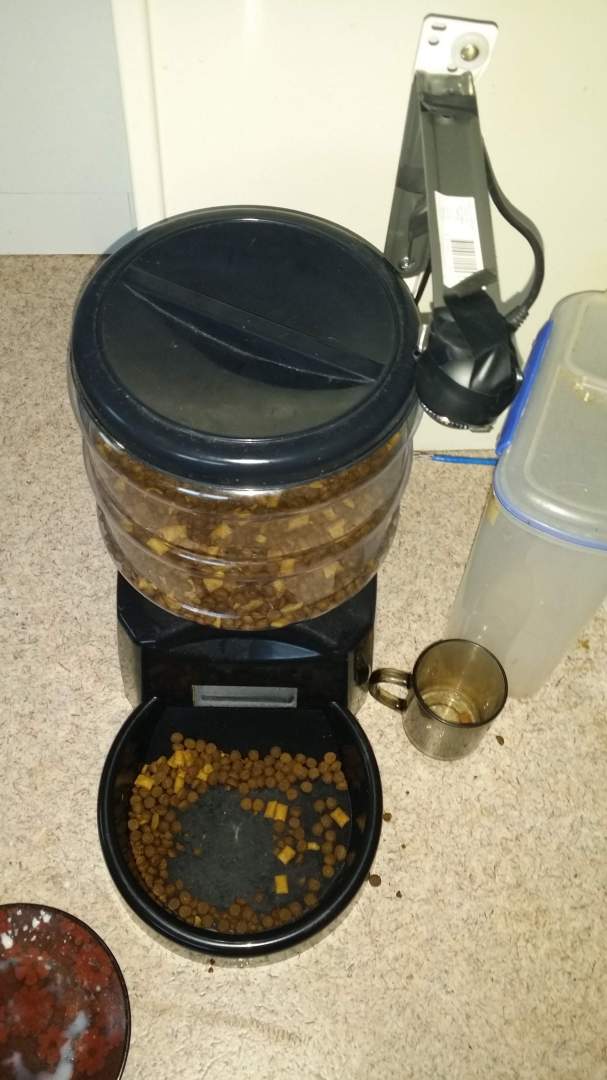
Recently, the cat feeder we bought from TradeMe broke and stopped dispensing cat food. To be honest, it was not a very expensive unit, but it is always disappointing when something breaks and needs replacing.
As I often do when something breaks, I decided to try to fix it. Opening it up showed that the insides were pretty simple. It had a master circuit board with an integrated display and wires to various components, including a speaker, microphone, motor driver, and a bump switch that triggers when the feeder motor reaches one of four positions. As I debugged the cat feeder, I found that the issue was most likely in the master circuit board itself. This was not really a bad thing, as there were a few things about the unit that I did not like. These included the use of three D batteries and the need to reset the programming every time the batteries were changed. Time to modify it!
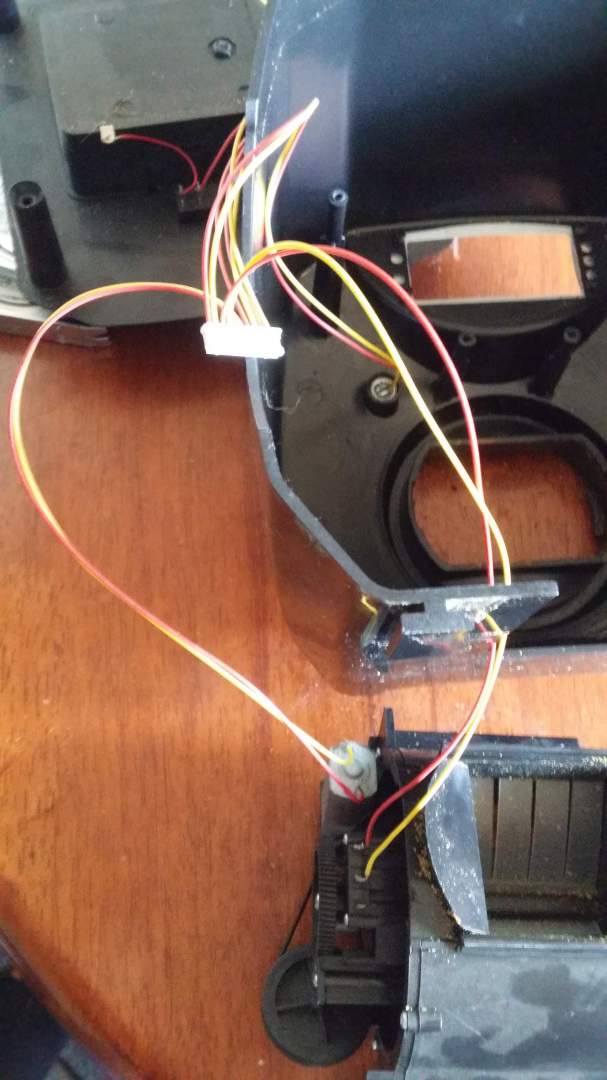
Looking around home, I found a Raspberry Pi that was not in use. I decided to see if I could upgrade the feeder using some of the GPIO pins. Before someone emails me: yes, I know this is overkill. I liked the idea of writing software for it in a high-level language while also being able to attach USB devices.
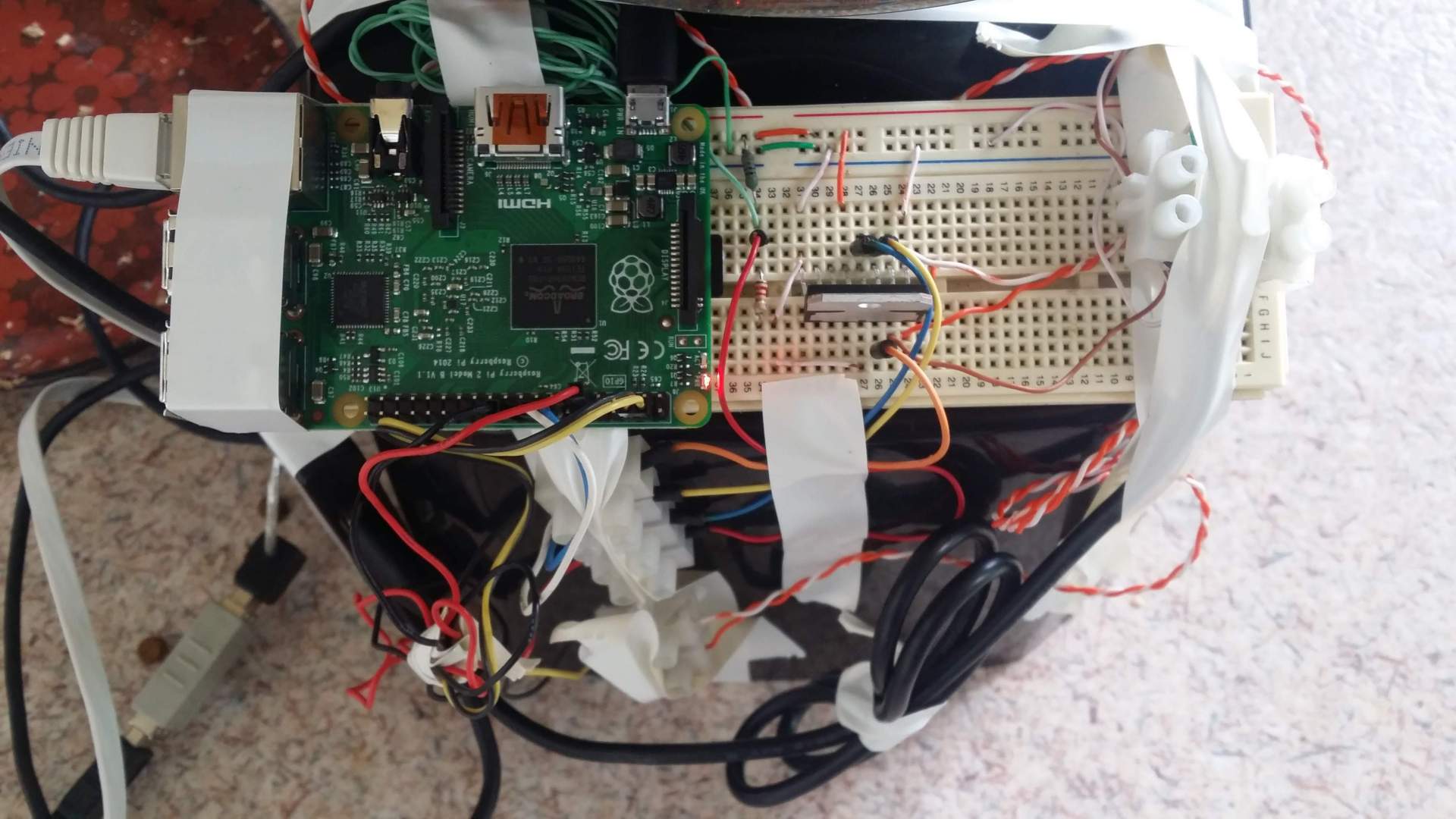
I started by connecting the Raspberry Pi to my breadboard and adding a simple L298 2A H-Bridge dual motor driver. After a lot of testing, I found that the food dispenser has four pockets. When the motor turns, it makes contact with a switch at one of four points. One detail stumped me for a while: you have to wait until the switch is pressed and then released before stopping the motor. The other trick is that you can set the number of servings by counting how many times the switch position is passed. So algorithmically it needs to do the following to give one serving:
- Spin the feeder motor
- Wait until the feeder motor switch is pressed
- Stop the feeder motor as soon as the switch is released. To do this, I quickly wrote a Python script. This was the first time I had written Python, so it is probably not the best example: Initial script
I also still had the issue of power, as batteries would only last so long. I have long been a fan of the POE standard (Power over Ethernet - IEEE 802.3af, IEEE 802.3at). This standard allows power to be sent over the network cable. This should not be confused with Ethernet over mains power. POE allows me to run network cables up to 100m around the house without worrying about power sockets. Since I can build network cables, this gives me nearly unlimited options for placing the device (thankfully my wife does not complain about the network cables running around our house). I already had a POE injector from TradeMe in the house. It adds power to an Ethernet cable that also carries data, typically through a short loop from a network switch. I had already started collecting cameras and converting them to POE. There is a useful TP-Link device I use to make non-POE devices, such as cameras, work with POE. It is called a TL-POE10R and I often buy them in bulk because they come in handy for powering things in places where there are no power cords. A good supplier I have found is Mighty Ape: good price and fast delivery.
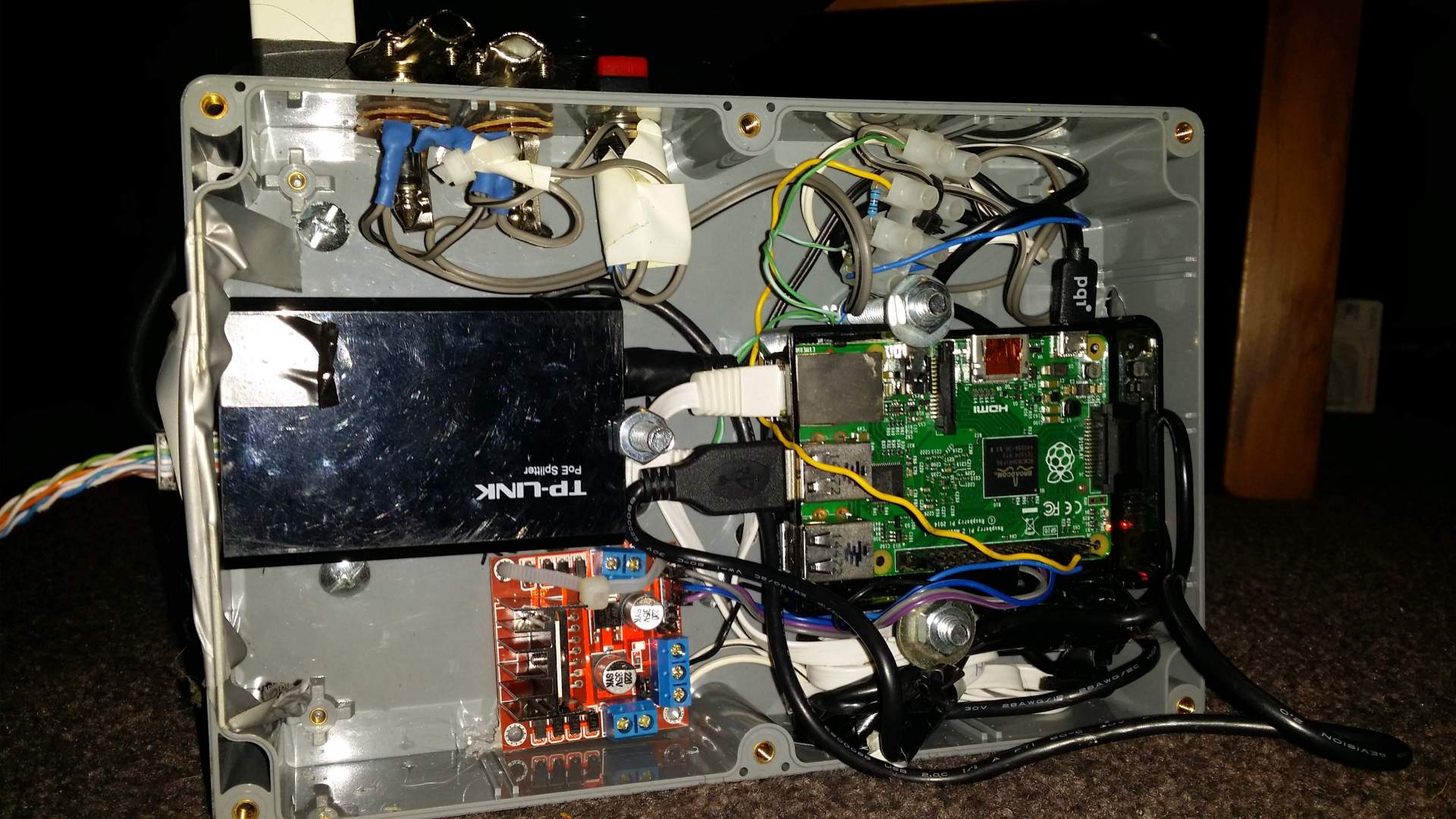
For the second live prototype, I found tiny pre-made L298 circuits on TradeMe with terminal strip connectors built in (I don't trust my cats near a breadboard). I found a nice plastic box at Jaycar to house all the components, as they would no longer fit inside the cat feeder without risking a jam in the feeder loop. This worked well because only a single Ethernet cable was exposed. I also drilled holes for a manual switch (for later extensions) in parallel with two 6.5mm headphone sockets for any later devices I may wish to attach to it. I installed a simple Debian server on the Raspberry Pi and set up cron jobs to feed the cats as normal. Now, when people ask who is feeding my cat while I am away, I can say cron is doing it.
The great thing about having a precise cat feeder is that the cats somehow know a few seconds to a minute before it goes off. Raspberry Pis do not have a clock themselves; by default, they synchronize time with an NTP server. You can look at your watch and see the hands roll over to the next hour just as the feeder starts.
Published: 30/06/2016 UTC
Updated: 18/06/2026 UTC
The opinions expressed on this website are my own and do not necessarily reflect the views of my employer. The posts on this website are provided "as is" with no warranties and confer no rights
Copyright © 2026 Jeremy Sells - See Site Terms/Disclaimer