
How to do Local Agentic AI with OpenCode
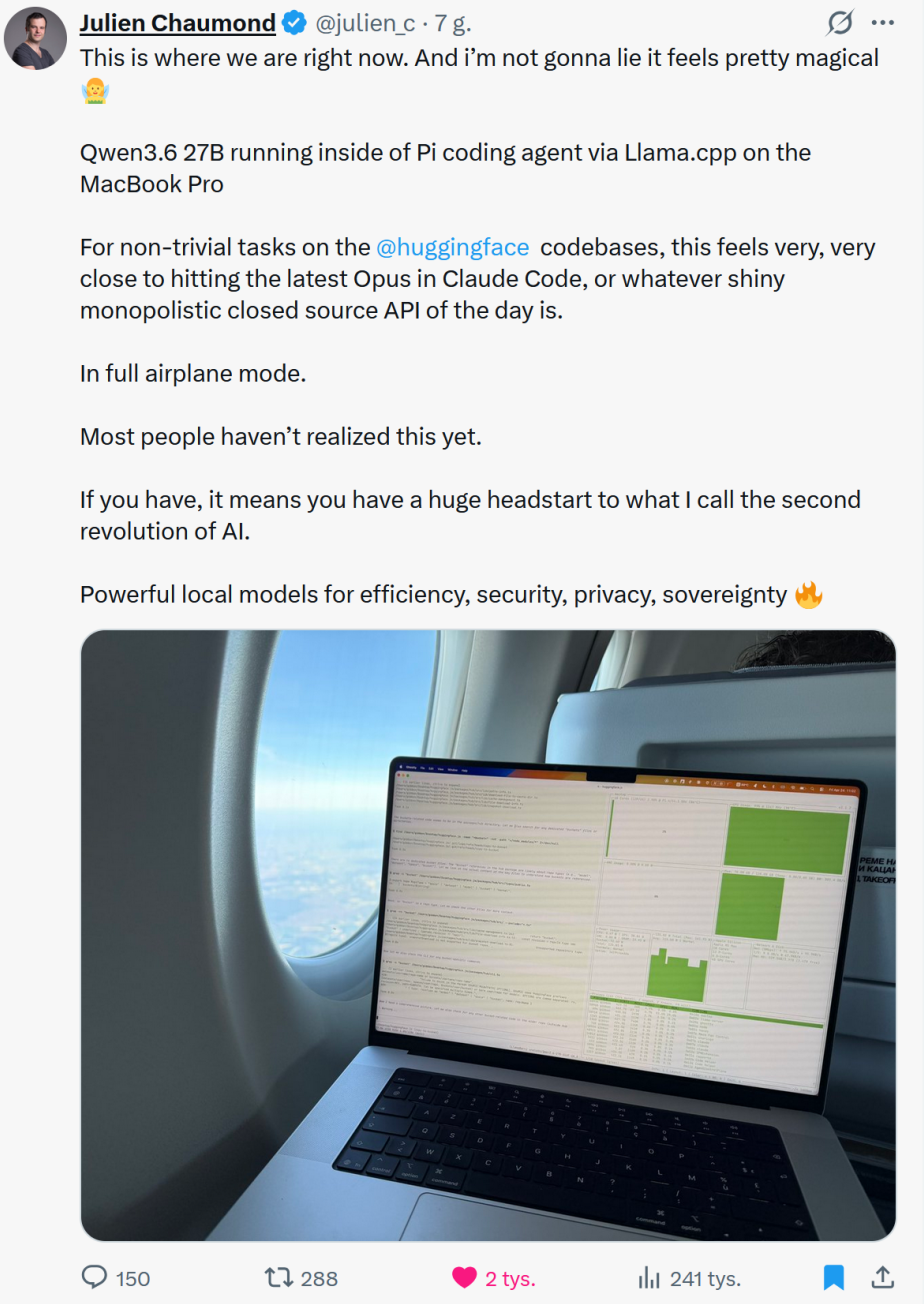
Recently, I was inspired by a tweet and, having run out of tokens 😂, I decided to see what was possible with local agentic AI.
I really like the AI experience inside IntelliJ IDEA, but I wanted to see how much of that workflow I could run locally.
For context, I have an NVIDIA P40 GPU in my server. It is not the fastest card around, but it was affordable at the time and has a massive 24 GB of VRAM. Sadly, it is also increasingly unsupported. Old enterprise hardware issues, the homelab life :)
When I first started looking into this, IntelliJ IDEA's AI tooling depended on paid API usage, so I started searching for a local-only agentic coding setup inside the IDE.
Sure, you can start a coding agent from the terminal, and that is completely valid. But for homelab work, I like to make small, controlled changes. It is only me, and PRs are mostly useless in that context. Very much a #YOLO commit to master life.
Having the AI interface on the side of the code gives me control. I can steer the AI when it goes off course, review changes as they happen, and keep the workflow close to how I already work.
Keeping my workflow consistent matters to me. It reduces the extra burden of switching tools and helps me get the right things done more quickly.
Your mileage may vary, of course. I am also still using and loving the Classic IntelliJ IDEA UI. Side note: please do not abandon it, JetBrains!!!
Development
After stumbling around through the available agents (ACP) in IntelliJ IDEA and looking for something local, I came across OpenCode.
OpenCode supports online models, but looking through the docs, you can also enable Ollama and LM Studio, which is pretty neat.
- https://opencode.ai/docs/providers/#lm-studio
- https://opencode.ai/docs/providers/#ollama
At the time I tested it, OpenCode defaulted to a few models under LM Studio:
GPT OSS 20BQwen3 30B A3B 2507Qwen3 Coder 30B
Sadly, it does not seem to query LM Studio for the available models, and it kept defaulting back to the online models.
It took me a while, but I found that you can override the model configuration yourself and set the default. For example, in ~/.config/opencode/opencode.json:
{
  "$schema": "https://opencode.ai/config.json",
  "model": "lmstudio-my-server/devstral-small-2507",
  "provider": {
    "lmstudio-my-server": {
      "name": "LM Studio (my server)",
      "npm": "@ai-sdk/openai-compatible",
      "options": {
        "baseURL": "http://1.2.3.4:1234/v1"
      },
      "models": {
        "devstral-small-2507": {}
      }
    }
  }
}
Hosting
I looked at a few hosting options. Ollama worked, but it felt a bit too hands-off for what I wanted. The just-in-time model loading is a neat feature, but I wanted more control over the server and model settings.
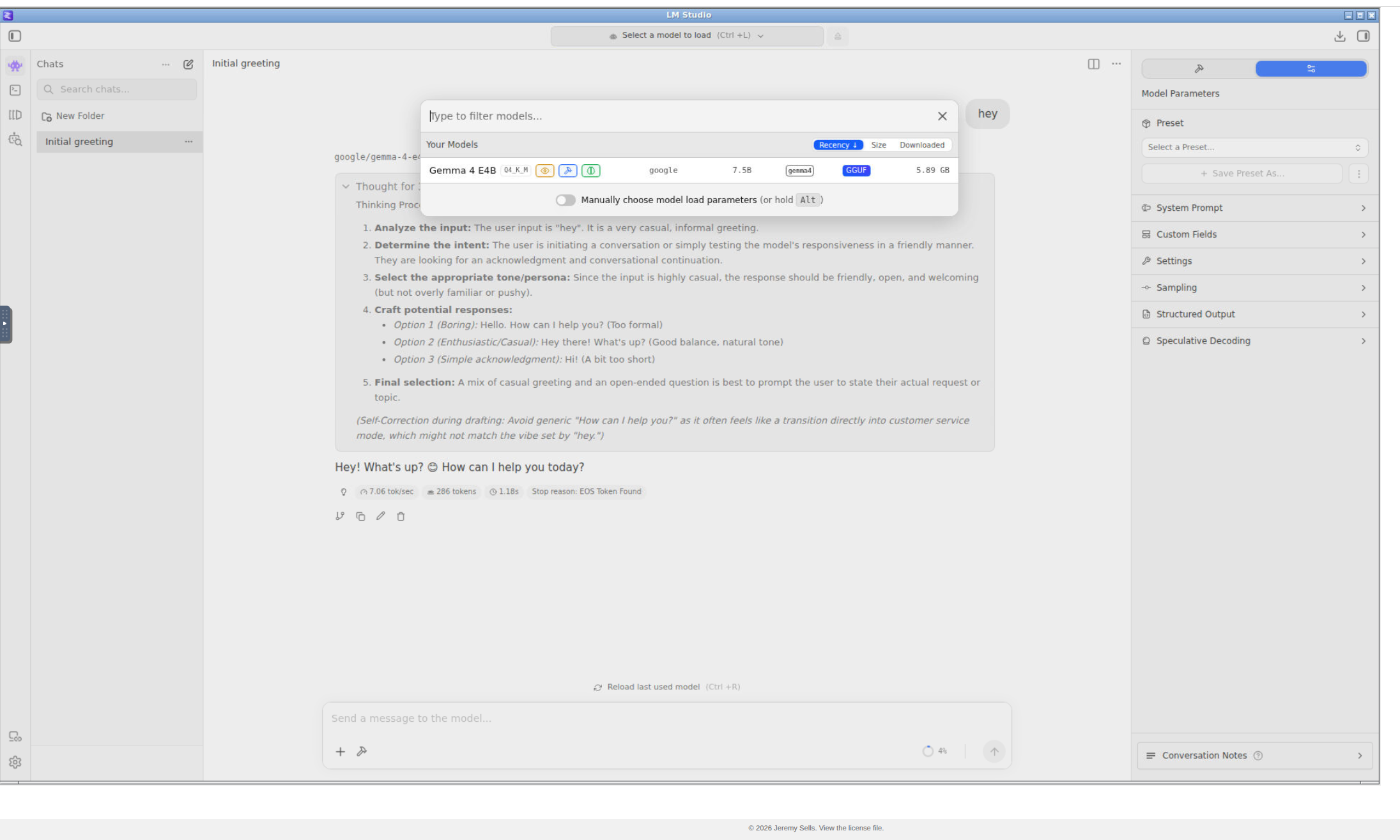
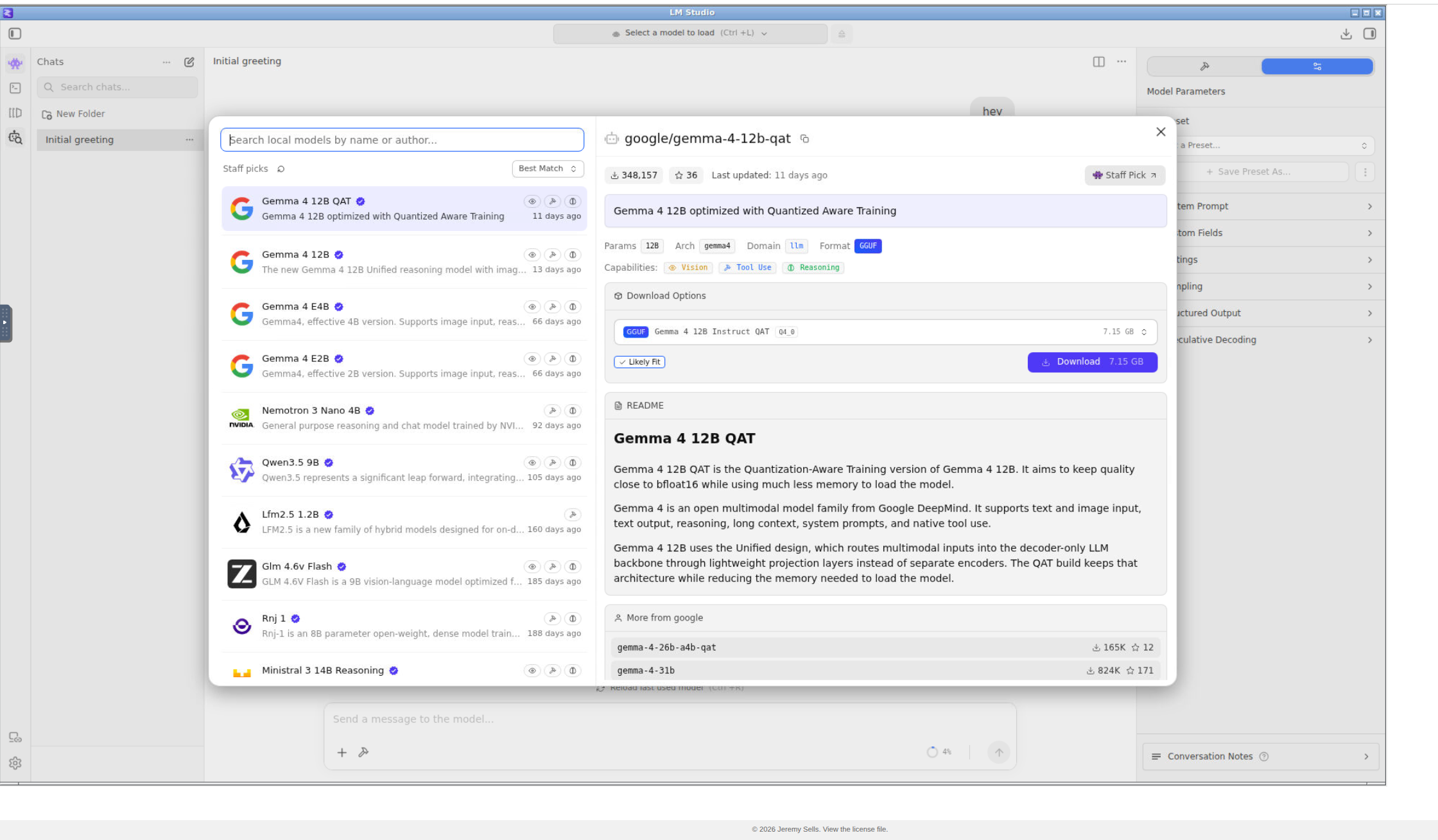
I then started playing with LM Studio, and I really liked the UI. Being able to download models from Hugging Face and quickly try them out is awesome.
My first attempt was to Dockerize the LM Studio API:
That worked to a point, but I struggled with loading models and configuring them through the API. Terraform-style configuration for LM Studio would be amazing here, but alas, it does not exist at the time of writing.
After that, I decided to repackage my desktop web application container. This is a container I originally built to run Orca Slicer in a browser using Openbox and NoVNC, so I could access it easily across machines.
For LM Studio, I disabled the multi-instance feature and file uploads, then added autostart and auto-restart behaviour so it would automatically start and persist a single instance.
This works surprisingly well.
It is slower than I would like, but from a software point of view, I can download models, test them, and change things quickly. The main limitation is that when the container reboots, the LM Studio server comes back up, but the models are no longer loaded automatically. That is annoying, but not a deal-breaker.
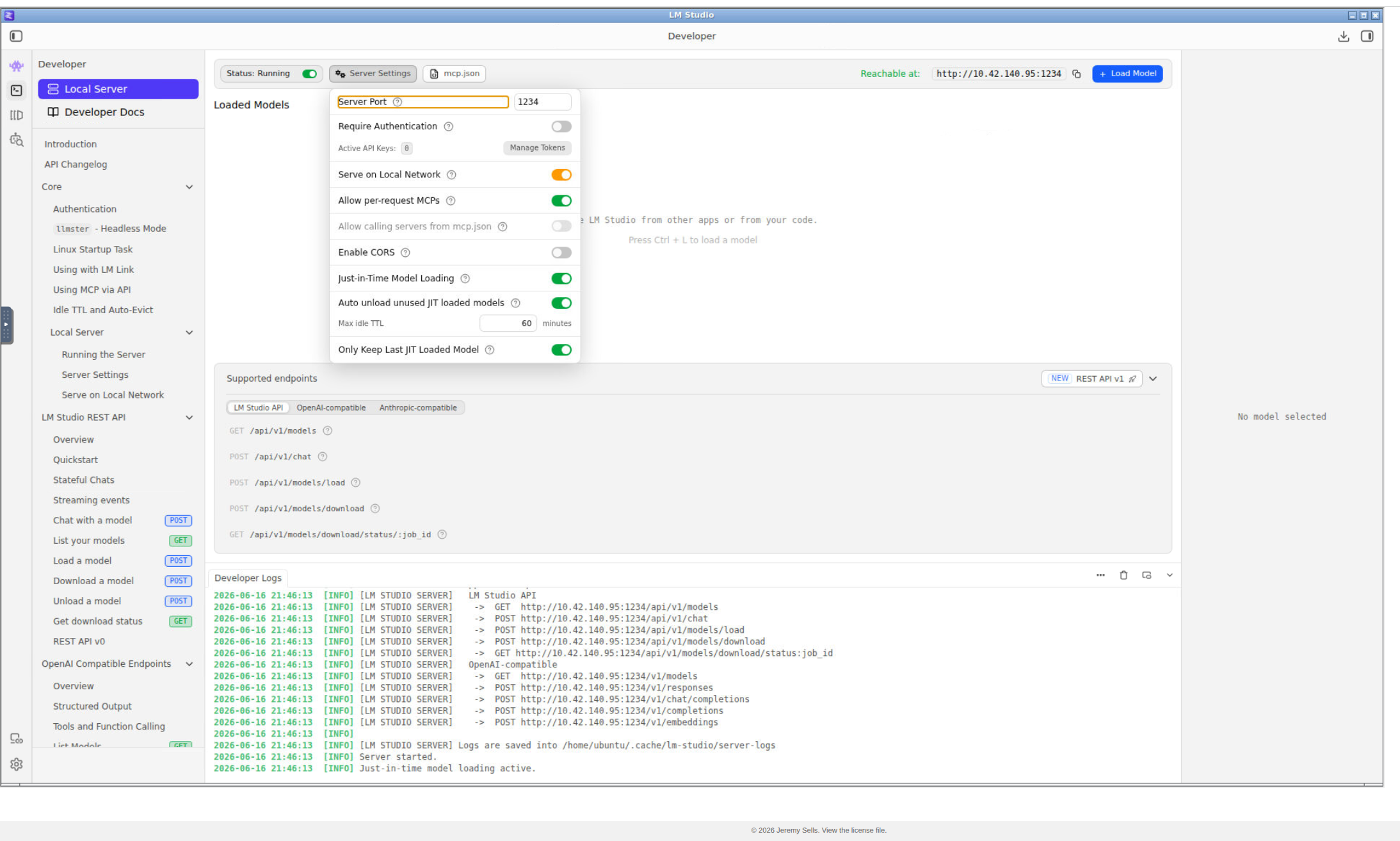
Because LM Studio exposes OpenAI-compatible endpoints, it works really nicely with other tools. I even have some of my own automation using those endpoints now.
The code and Docker container are here:
Happy local agentic AI development!
Published: 24/06/2026 UTC
Updated: 24/06/2026 UTC
The opinions expressed on this website are my own and do not necessarily reflect the views of my employer. The posts on this website are provided "as is" with no warranties and confer no rights
Copyright © 2026 Jeremy Sells - See Site Terms/Disclaimer